Add TgugBot to your group or channel
Search for tgug-bot, click on TgugBot at the top of the page to enter the introduction page, click Add to Group or Channel here, then select a group or channel you manage, and click Add Bot as Admin on the pop-up page
Management
The specific content of backend management is only visible to administrators. Ordinary group users clicking on the link will prompt: add tgug-bot as the administrator of the group you manage first
Open tgug-bot to enter the chat page, click the dashboard button in the bottom left corner or enter the/start command to enter the backend management panel. At this time, the panel will display the list of groups or channels you are managing. Click on a group or channel to enter the settings page for management
You can also directly enter the/dashboard command in the group you manage to call up the link to the management panel. Please note that/ The dashboard command will only send a link in the group that redirects you to a private chat with tgug-bot. The actual management link is not visible to group users
/reload:When a new administrator is added to your group or there are changes in the management personnel, use this command to refresh the administrator's management permissions on tgug-bot; Note that administrative permissions will automatically refresh at 00:00 UTC time.
Start Mini APP
/start: By using this command in the group to call up the launch link of Mini APP, Mini APP is a tool for group members to participate in fission, activities, lotteries, etc. All content inside is set by the administrator on the backend management panel
If daily check-in is set in the backend management, a daily check-in message with Mini APP startup link will be automatically sent in the group at 00:00 UTC tgug-bot
Administrators can also share links directly to groups on the backend management page of fast fission activities and lottery games. Group members can use this link to launch the Mini APP and directly access the activity page
Fast fission setting
1、Users can withdraw 2 USDT accumulated.
2、Users need to complete all sequence tasks of an activity in order to receive the corresponding rewards for the activity.
3、The default time for the new user activity is 2 weeks. Inviting 50 new friends to join the group will earn you a reward of 1 USDT. The number of invitations and rewards during the activity period can be modified.
4、The channel, group, Twitter and other information corresponding to the sequence tasks in the new user activity need to be supplemented by the group owner.
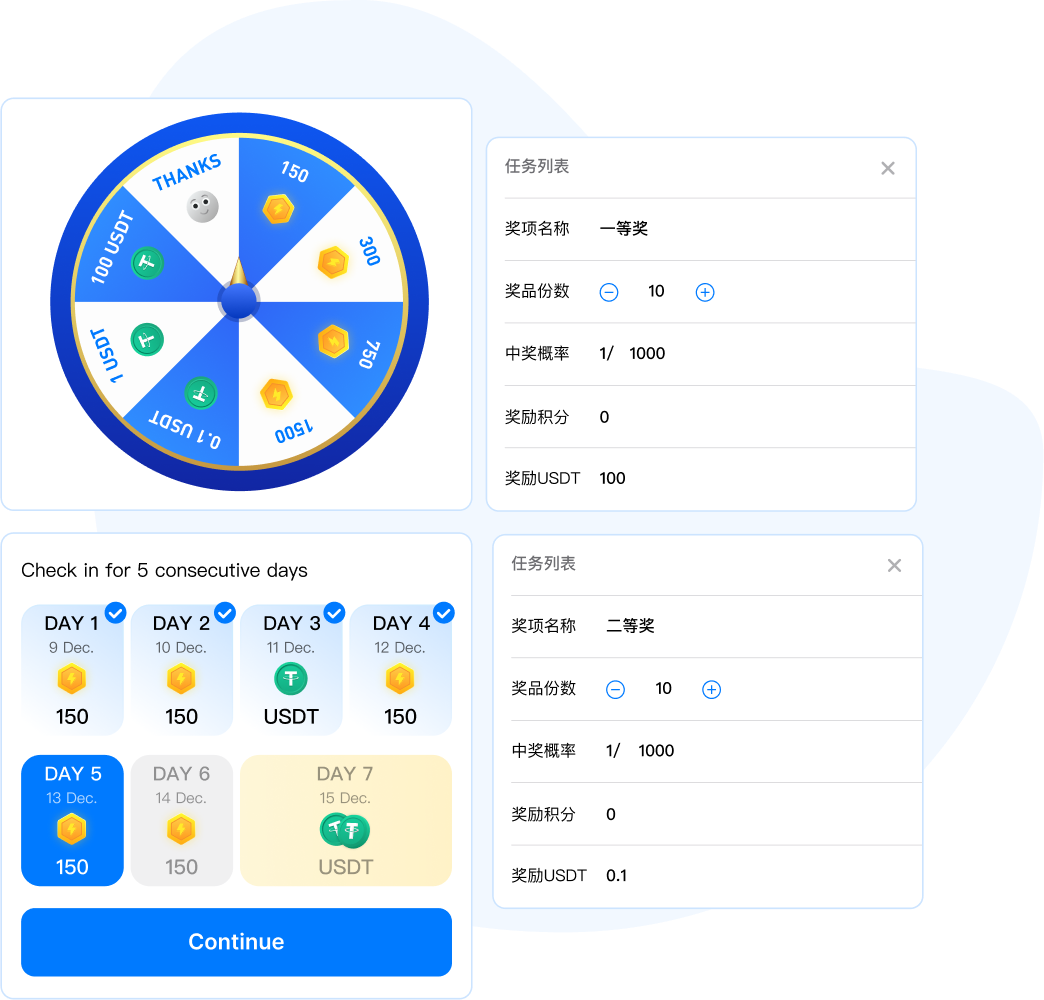
5、The lottery activity is open for three months by default, and drawing one prize consumes 150 points. The group owner can set the lottery period, the prize money for the first prize, and the probability of winning.
6、Checking in is enabled for three months by default, and the group owner can set the activation period and the bonus points for inviting new friends.
Intelligent recognition settings
The system currently provides the following parameters as classification criteria:
1、Verification code score: The verification code uses reCAPTCH V3 in conjunction with user behavior recognition. The score ranges from 0 to 1.0, and if it is less than 0.3, it is generally considered not to be a real person
2、Number of prohibited words: The total number of times a user sends prohibited messages
3、Number of times the app has been launched: total number of times the user has launched it
4、Page views: The total number of times a user views a page within the app
5、Number of actions: including the total number of clicks, swipes, and other actions
6、Number of group messages: The total number of times a user sends messages in a group
7、Daily check-in frequency: The total daily check-in frequency of the user
8、Continuous daily checkin: The total of Continuous Daily Checkin
9、Number of shares: The number of times users share games, etc
10、Number of lottery activities: total number of times users participate in the lottery
11、Task completion times: The total number of times the user has completed the task
12、Number of friends invited: The total number of friends successfully invited by the user to join the group
13、Points balance: User's remaining accumulated points
14、USDT balance: User's remaining USDT
Backend management can use a combination of these conditions as classification criteria, or block some users from participating in activities. Each category will have a detailed list of users that can be viewed
Precise operation settings
Operational activities are managed and configured in the backend, including setting names, introductions, jump links, cover images, etc;
Based on intelligent recognition of group user classification, operational activities can be set to allow only designated user groups to participate in certain operational activities;
When eligible users open the Mini APP, there will be a screen opening page displaying operational activities and guiding users to participate.
Traffic monetization settings
Tgug-bot has a public task platform where advertisers with needs can place ads, and group owners can view detailed information about the ads they are currently placing, including the price per view, through backend management;
Administrators can bring these ads over and place them in groups, where group members will complete the consumption of the ads and calculate the distribution based on the number of completed tasks.
Data statistics
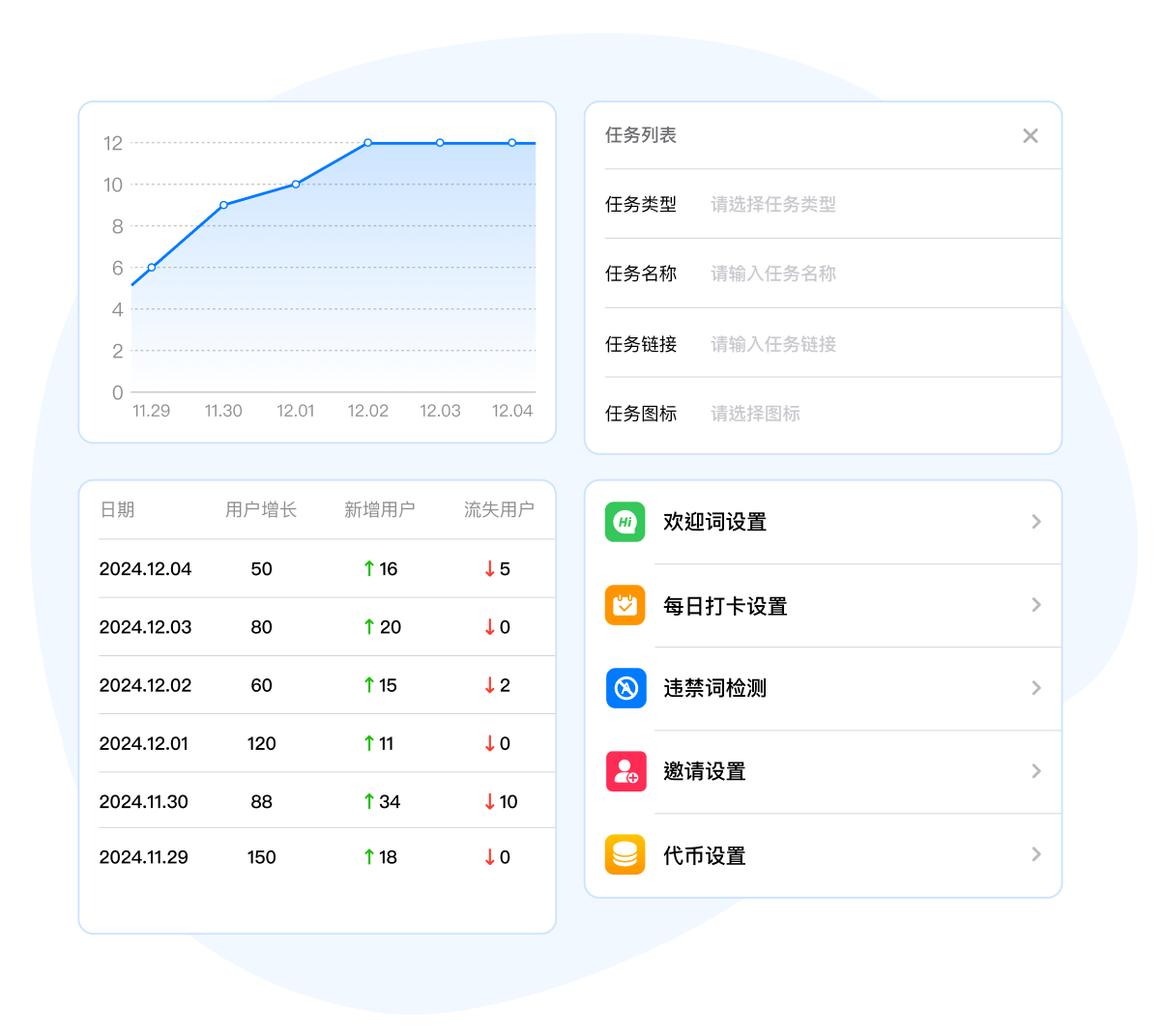
Provide daily charts showing user growth, active users, and daily message counts. The daily message ranking can be shared in group chats.
Group management
1、Welcome message: When a new user joins the group, tgug-bot automatically sends a welcome message, including a cover image, welcome message, etc.
2、Forbidden word detection: detects whether the message sent by the user contains prohibited words, which are set by the administrator. It can also detect whether the message contains advertising content such as links.
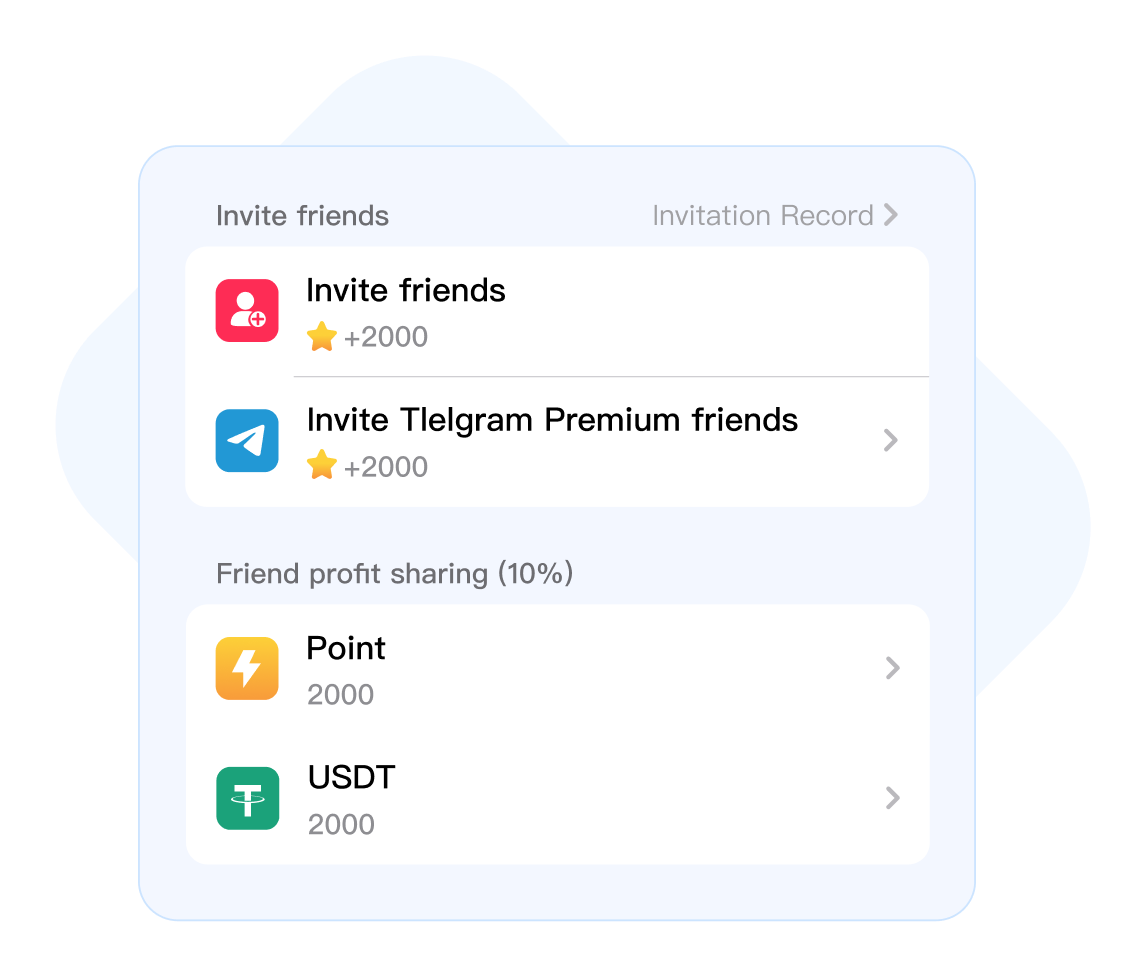
3、Inviting friends: Set the accumulated points for each friend or Telegram member friend invited, and the rewards for inviting friends to participate in activities. The inviter can receive an additional 10%, and the points are usually used for lottery.


 Fission marketing
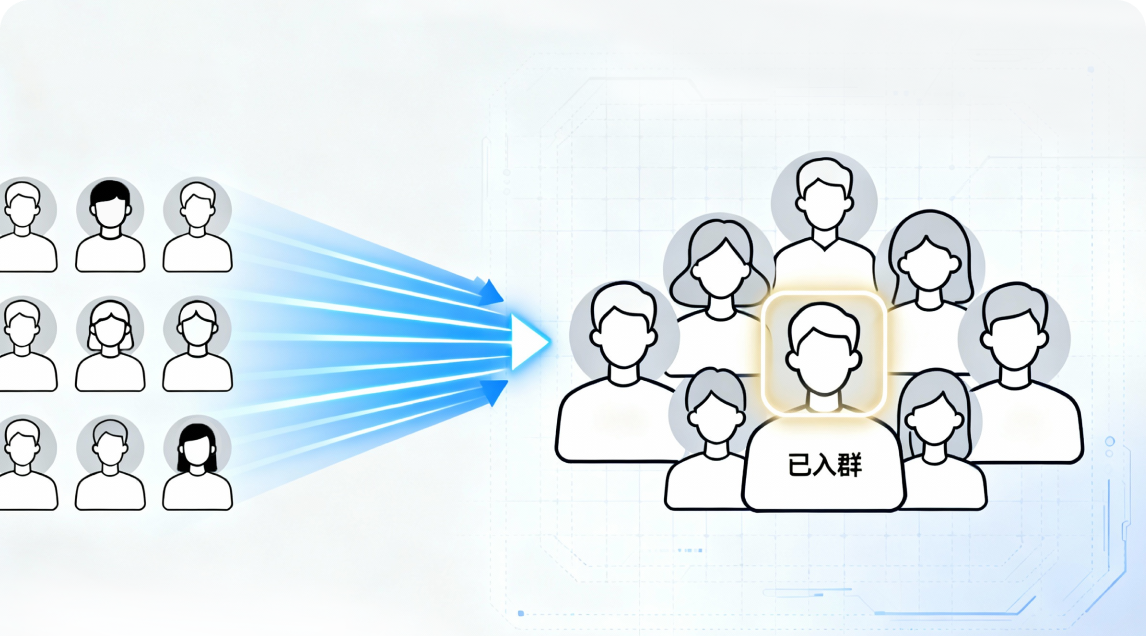
Invite friends to get rewards and participate in friend revenue sharing to help group owners quickly acquire new users
Fission marketing
Invite friends to get rewards and participate in friend revenue sharing to help group owners quickly acquire new users
 Precise operation
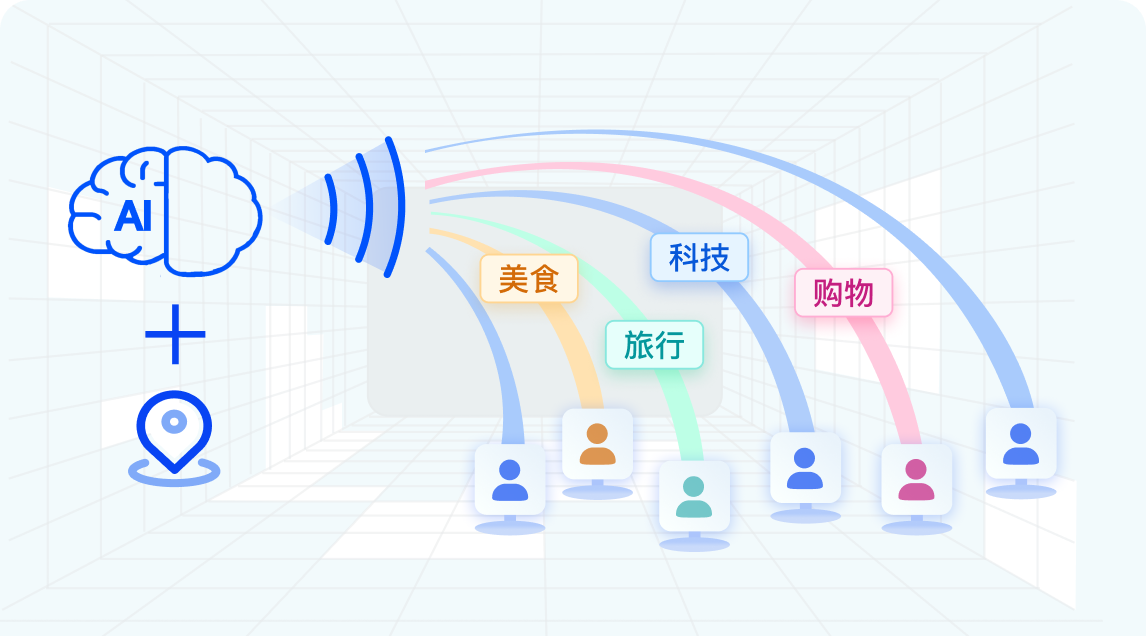
Intelligent identification of multi-dimensional user behavior data, and only carry out operational activities for specific user groups
Precise operation
Intelligent identification of multi-dimensional user behavior data, and only carry out operational activities for specific user groups
 Traffic monetization
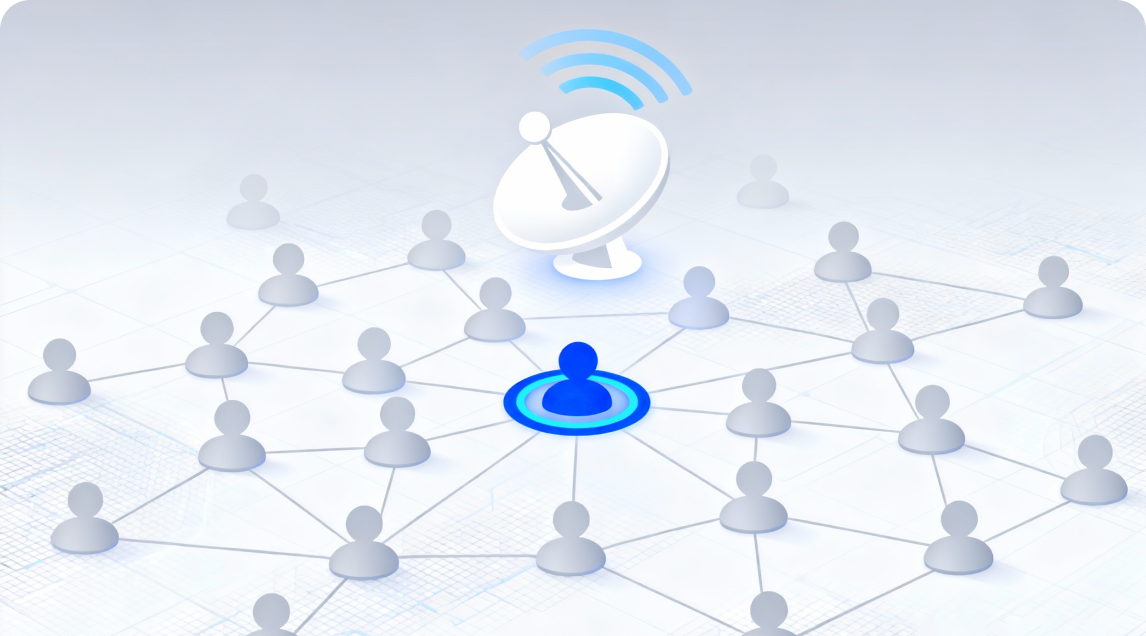
Group owner sharing model, traffic monetization model such as task wall, brand advertising, etc.
Traffic monetization
Group owner sharing model, traffic monetization model such as task wall, brand advertising, etc.
 Group management
Set up real person recognition, welcome words, prohibited words, partner brands, user levels, block users, etc. to help you operate automatically.
Group management
Set up real person recognition, welcome words, prohibited words, partner brands, user levels, block users, etc. to help you operate automatically.
 User collection
Get targeted users for your groups with one click
User collection
Get targeted users for your groups with one click